Hello my dear friends, my name is karan jajoria and i am a school student in ANDHRA EDUCATION SOCIETY. I am here to tell you about my memorable journey. I am only 14 years old and this is my school project. So don’t take it seriously
HOW TO CREATE AN BLOG
So now, i will tell u about a blog. Blog is basically an website which contain your information, your content, and many more. How to start making an blog? this is our question. Steps are given below:-
Open google chrome or any other browser to access internet easily
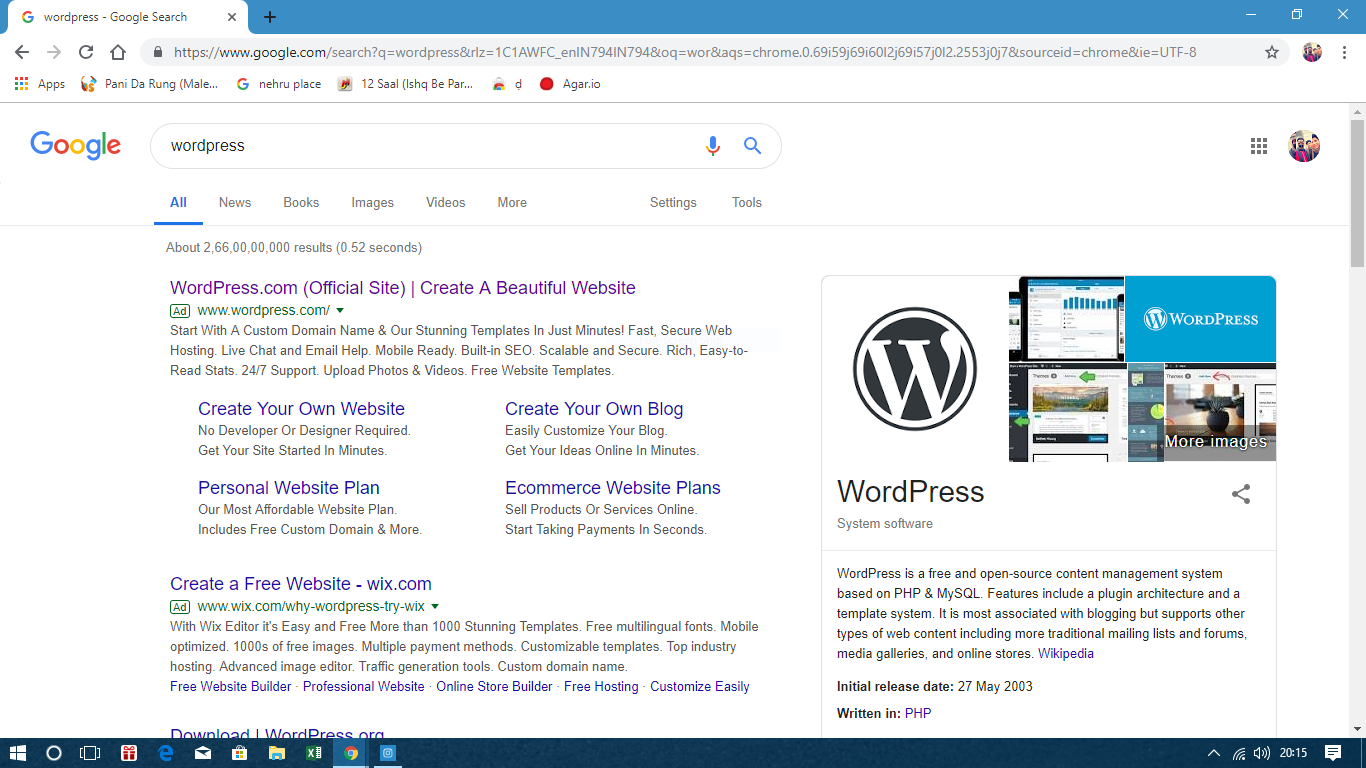
In the URL, search WordPress
Then click on the WordPress.com(offical site)
steps are below how to access the WordPress
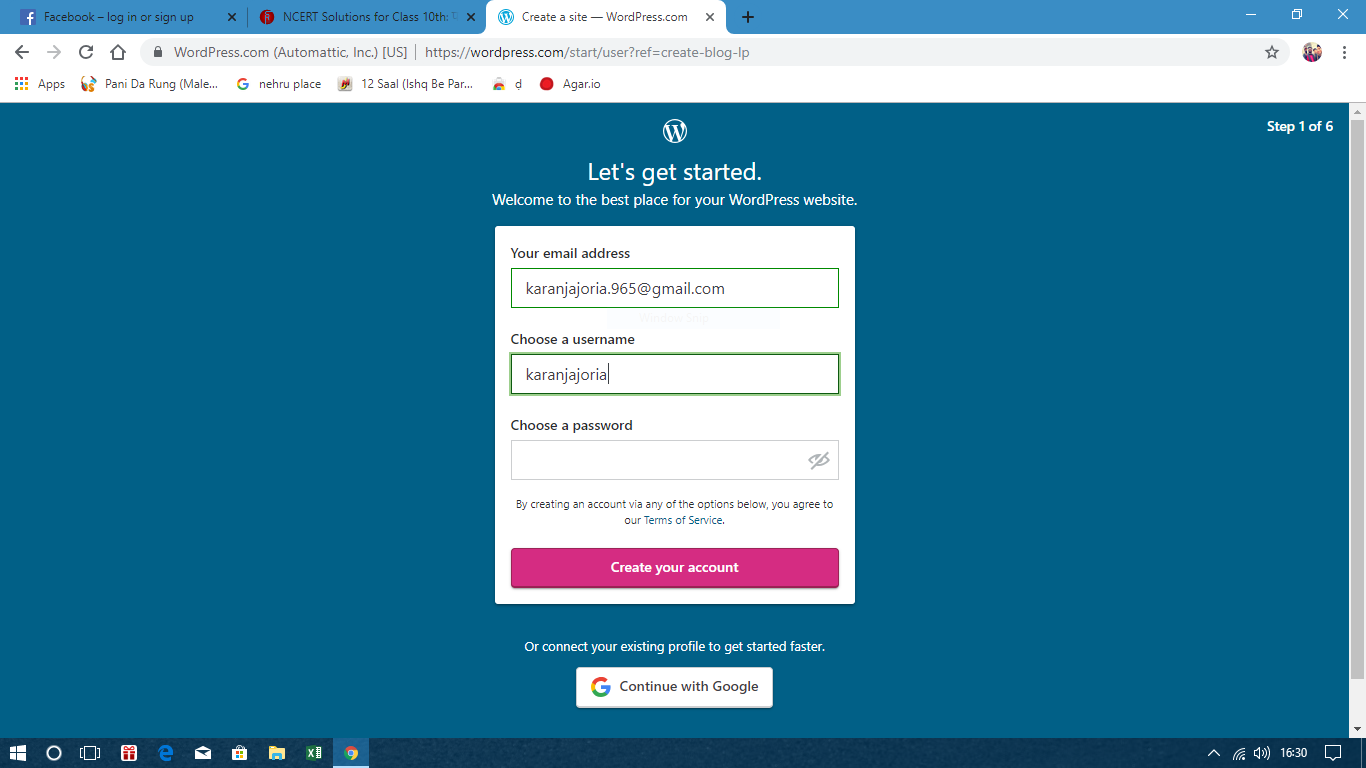
link wordpress with your account
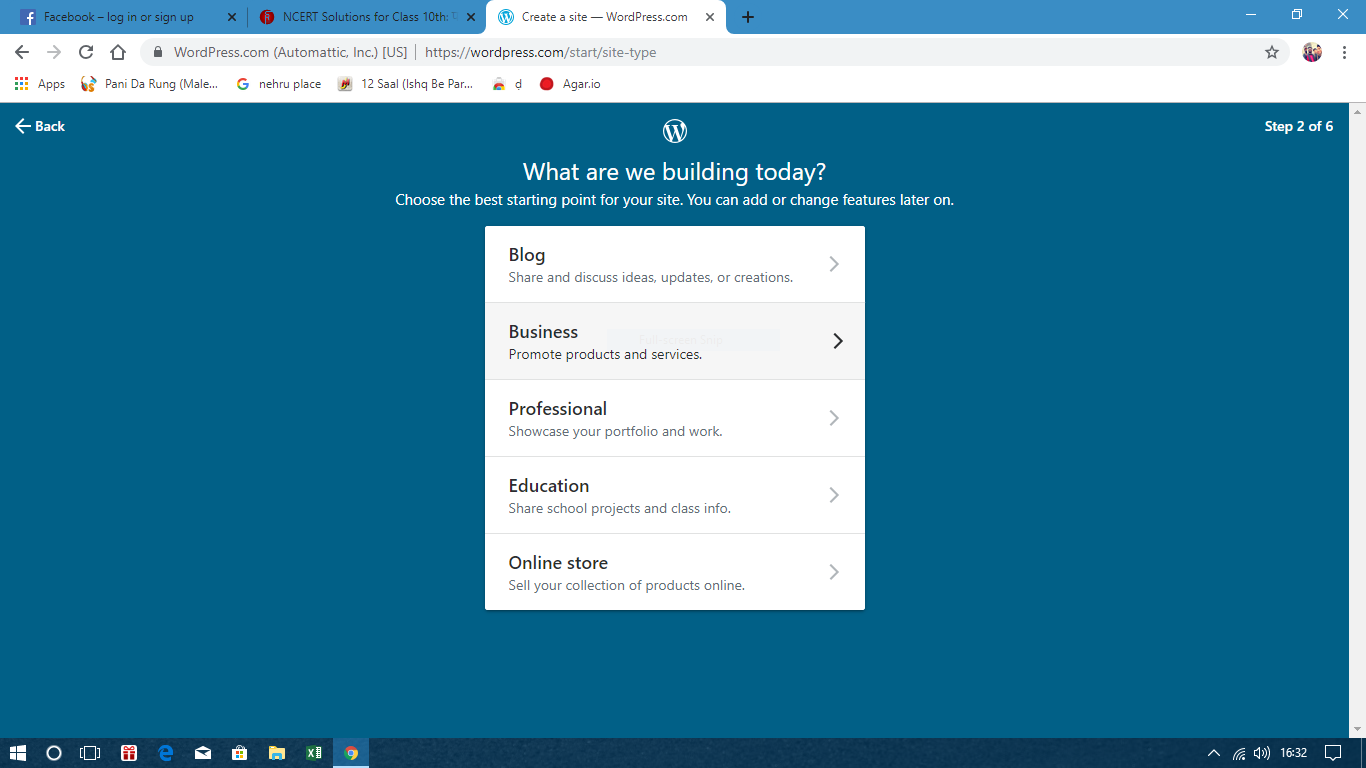
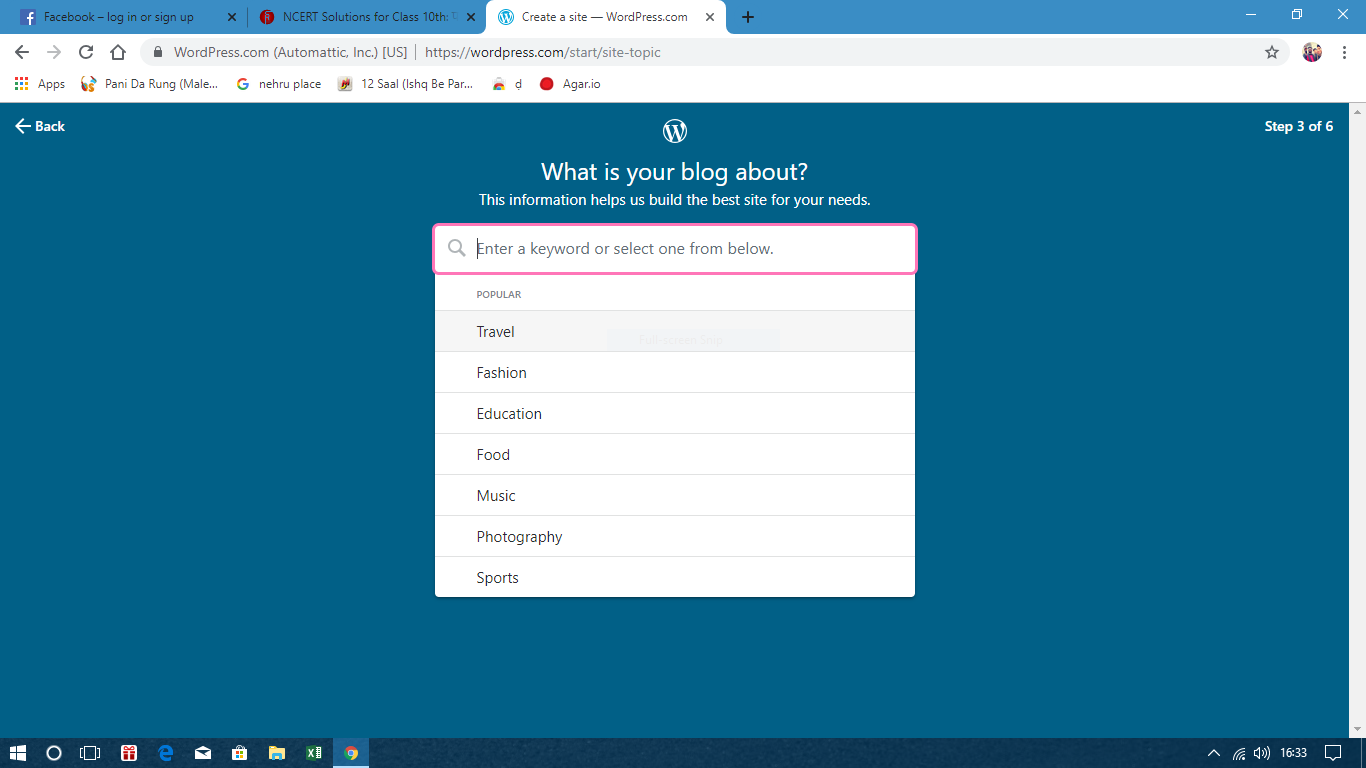
select your category
select your blog type
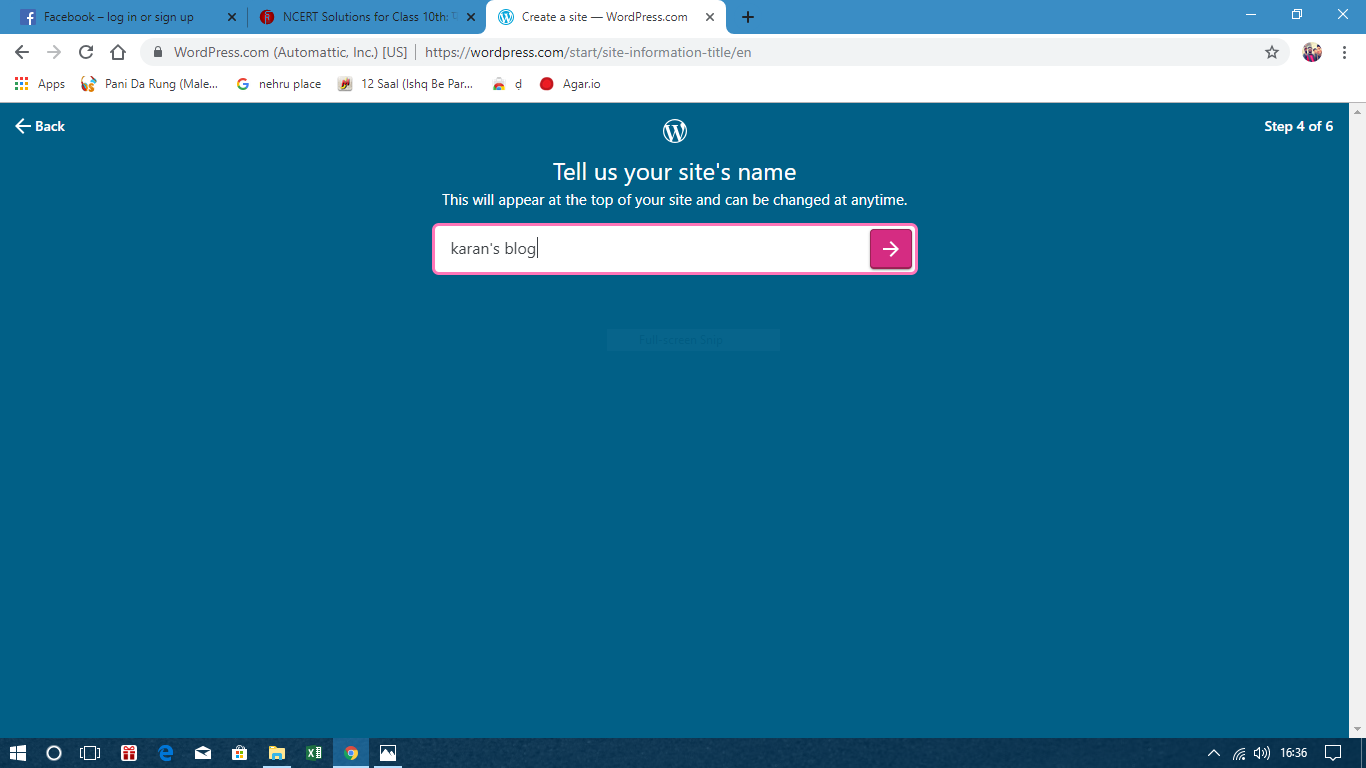
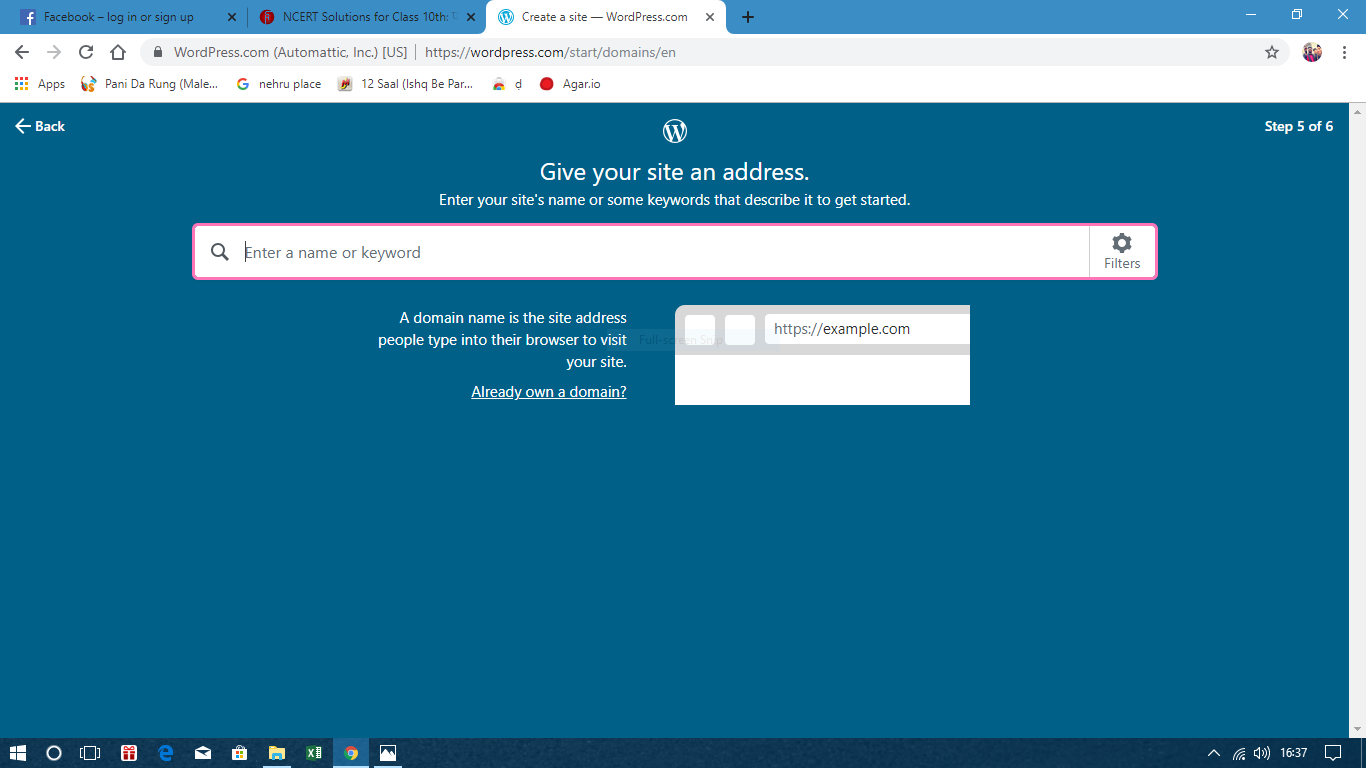
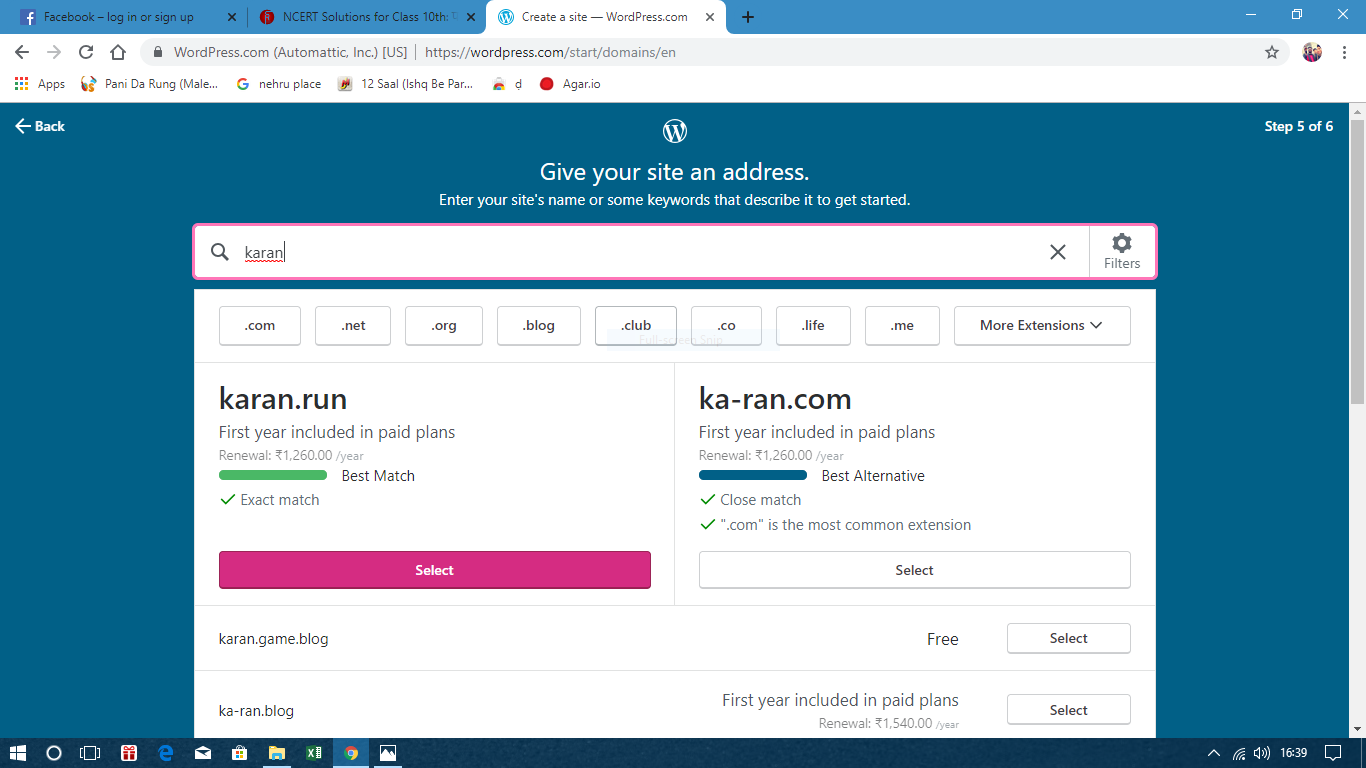
write your owns blog name give your site an addressthis look like this after give correct name
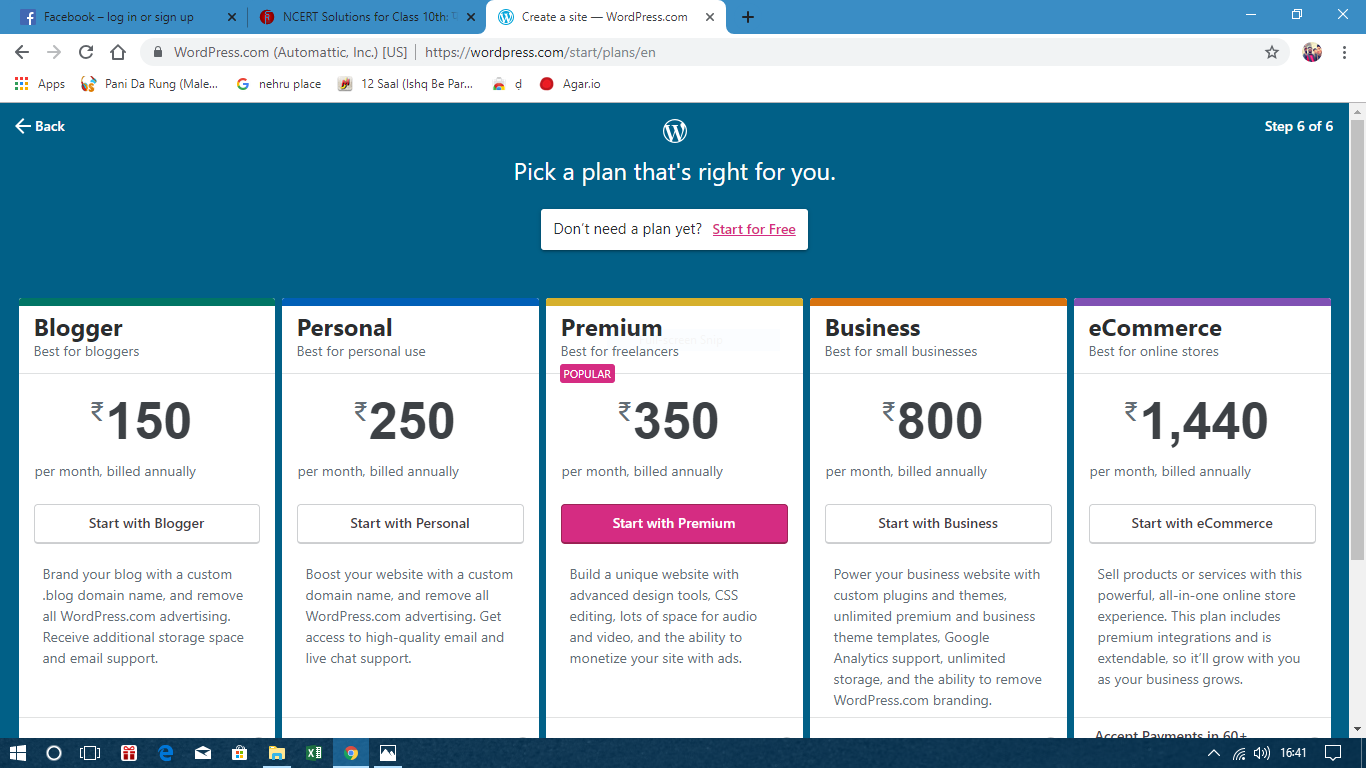
select your package according to your needs
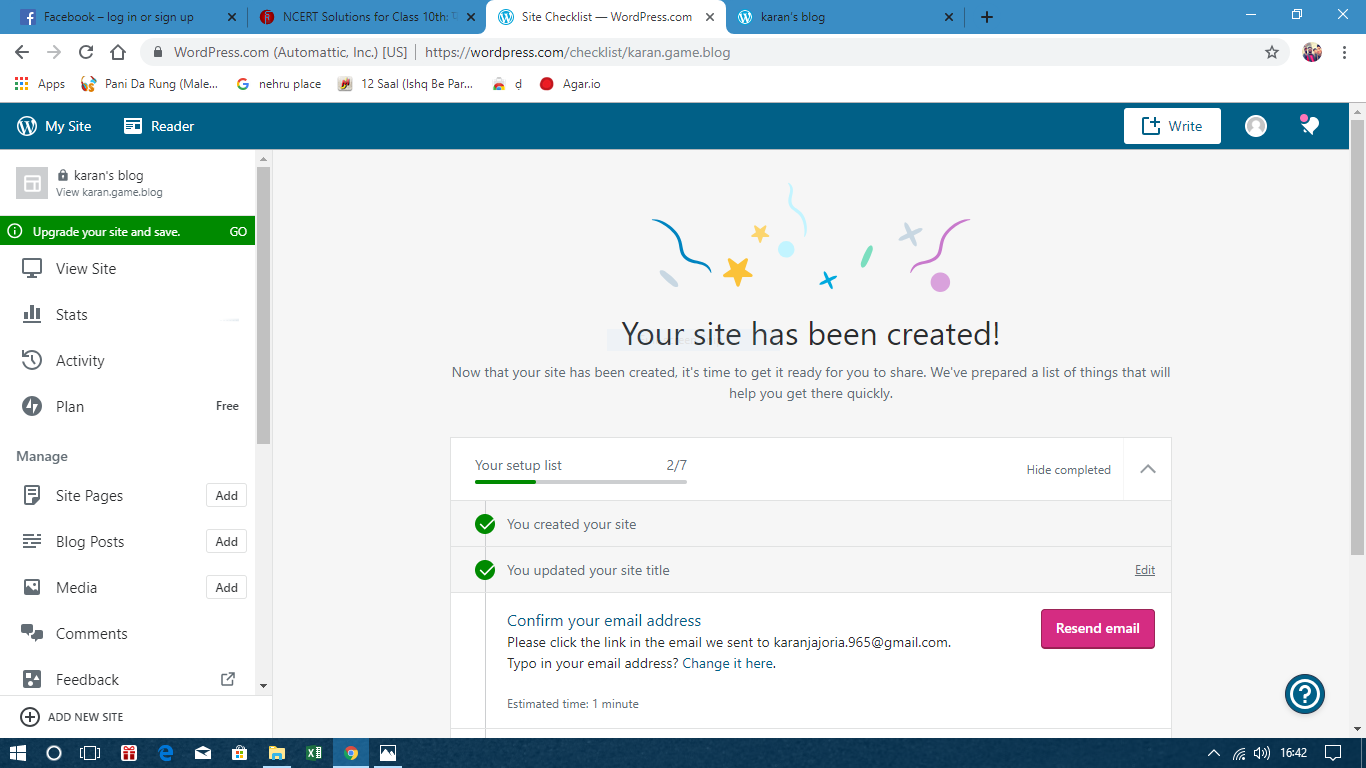
now done …. setup your account as per your requirement
Now you can access to your blog and can start blogging
if its help you or any problem occur in this you can contact me in the given web sides below

 karan's blog